Navigating Project Management Software for Freelancers
Introduction
In the ever-evolving landscape of freelancing, effective project management is crucial for success. With numerous tasks and responsibilities to juggle, freelancers must rely on project management software to streamline their workflows, manage client relationships, and enhance productivity. This article explores various project management tools tailored for freelancers, offering practical advice and insights to help you choose the right software for your needs.
Benefits of Project Management Software for Freelancers
Project management software provides numerous advantages that can significantly enhance a freelancer’s efficiency and organization. Here are some key benefits:
- Improved Organization: Centralizing tasks, deadlines, and client communications helps freelancers stay organized.
- Enhanced Collaboration: Many tools facilitate collaboration with clients and other freelancers, making it easier to share updates and feedback.
- Time Management: Most software includes time-tracking features, allowing freelancers to monitor their work hours and productivity.
- Client Management: These tools often offer client management features, enabling freelancers to keep track of interactions and project details.
Key Features to Look for in Project Management Software
When selecting project management software, freelancers should consider several essential features:
- User-Friendly Interface: A clean, intuitive interface can save time and reduce frustration as you navigate the software.
- Task Management: Look for tools that allow you to create, assign, and prioritize tasks easily.
- Time Tracking: Accurate time tracking helps manage billable hours and improves overall productivity.
- File Sharing: The ability to share documents and files directly within the platform makes collaboration seamless.
- Reporting and Analytics: Insights into your project progress and performance can help you make informed decisions.
Popular Project Management Tools for Freelancers
There are numerous project management tools available, each catering to different needs and preferences. Here are some popular options:
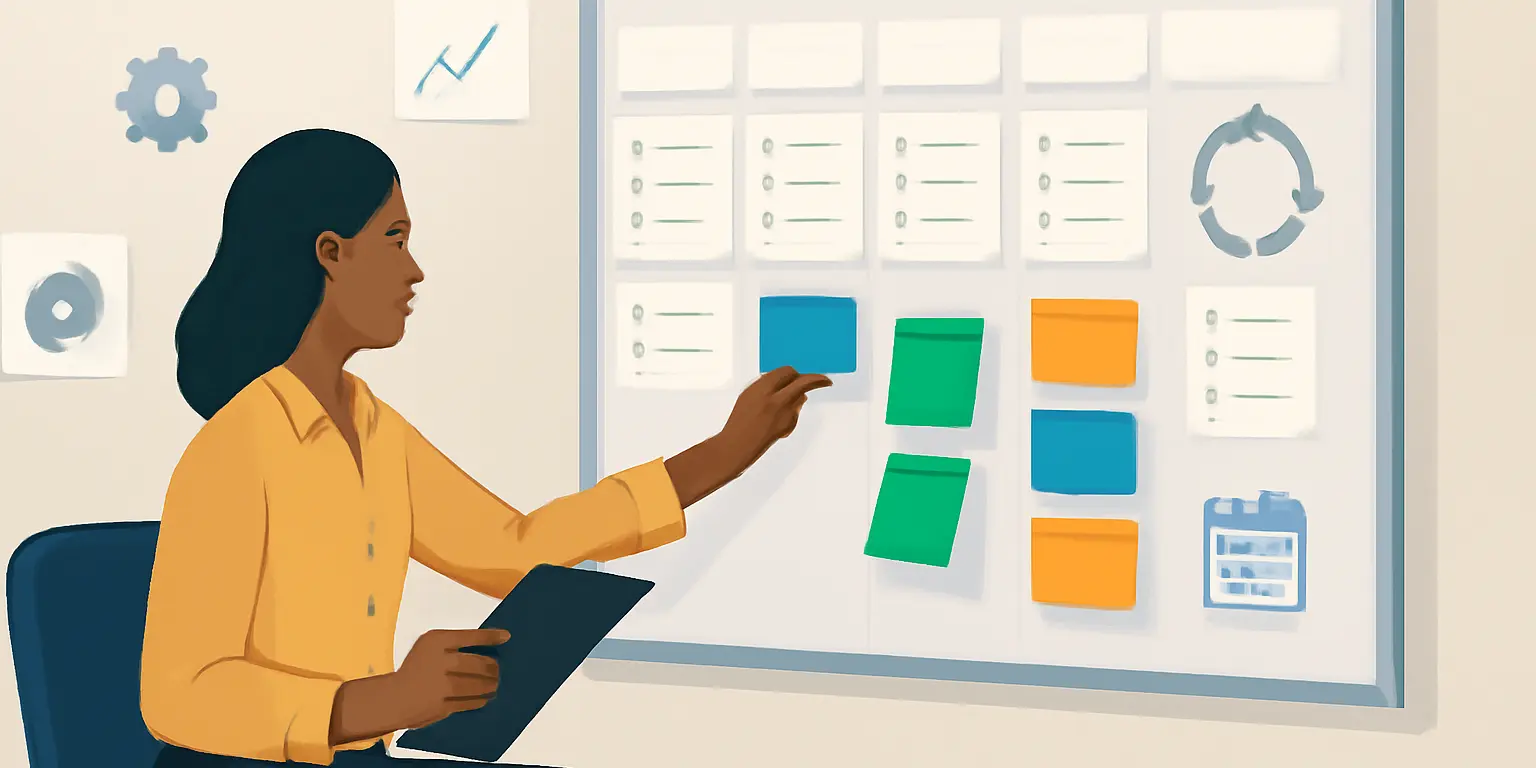
- Trello: Known for its visual task management using boards and cards, Trello is great for freelancers who prefer a flexible and intuitive approach.
- Asana: A robust tool that offers detailed task management, Asana allows you to create projects, set deadlines, and track progress efficiently.
- Monday.com: This highly customizable platform provides a range of templates to suit various project types, making it ideal for freelancers with diverse needs.
- ClickUp: ClickUp is an all-in-one platform that combines task management, time tracking, and document sharing, perfect for freelancers managing multiple projects.
Choosing the Right Software for Your Workflow
To select the right project management software, consider your specific needs and work style:
- Assess Your Needs: Identify the primary features you need, such as time tracking, collaboration, or client management.
- Test Multiple Tools: Many platforms offer free trials. Take advantage of these to see which tool feels most intuitive and meets your requirements.
- Consider Integration: Ensure the software integrates with other tools you use, such as invoicing or communication platforms.
Avoiding Common Mistakes
While adopting project management software can provide significant benefits, freelancers often make common mistakes:
- Overcomplicating Workflows: Avoid making your project management processes overly complex. Simplicity enhances productivity.
- Neglecting Training: Take the time to learn the software’s features and capabilities to maximize its potential.
- Ignoring Collaboration: Failing to utilize collaboration tools can hinder communication with clients and team members.
Conclusion
Choosing the right project management software is critical for freelancers looking to optimize their workflows and improve client relationships. By understanding the benefits, features, and common pitfalls, you can make an informed decision that aligns with your unique business needs. Prioritize tools that enhance organization, collaboration, and productivity, and don’t hesitate to experiment with different options until you find the perfect fit. With the right software in your toolkit, you’l